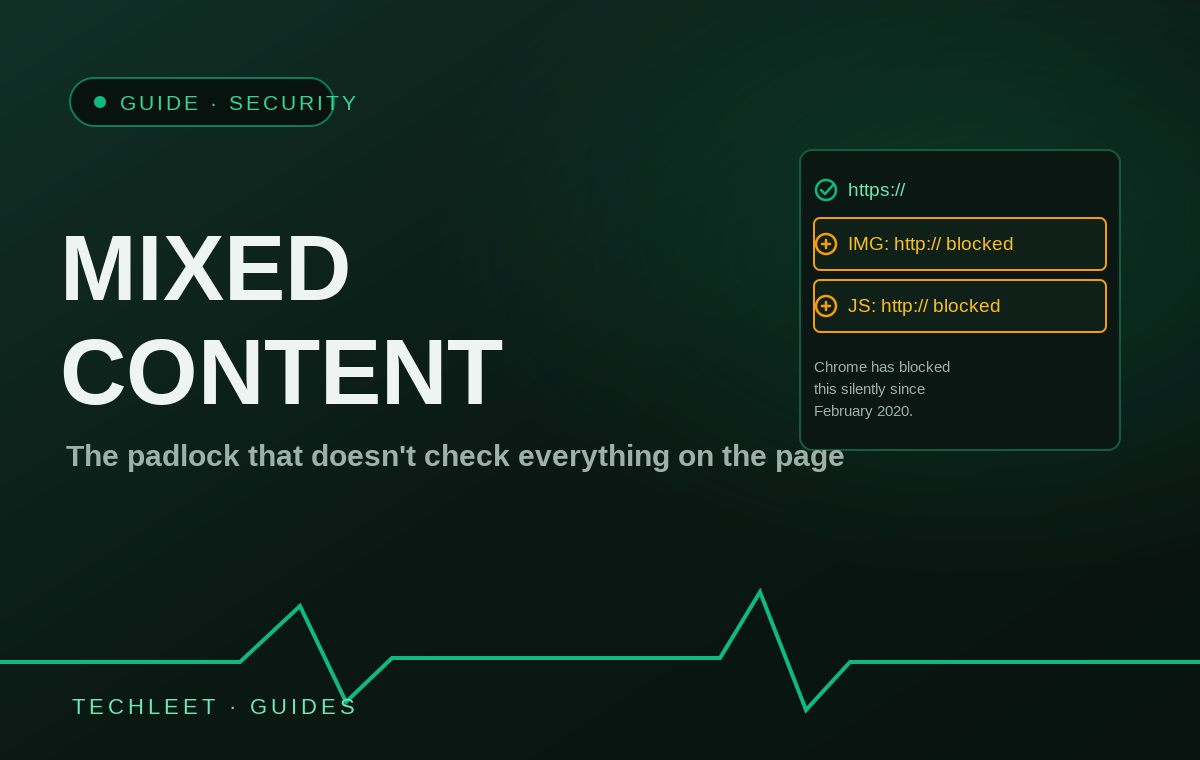
Mixed content is any resource — an image, a script, a font, a video — that an HTTPS page pulls in over plain, unencrypted HTTP instead. Chrome stopped just warning about it and started silently blocking it, in two steps: mixed audio and video from Chrome 80 (January 2020), then mixed images from Chrome 81 (February 2020). The browser doesn't ask the visitor anything; it just drops the resource and carries on.
The padlock in the address bar only certifies the page's own connection, not every reference written inside it. We see this most often doing a site handover or an onboarding audit for a maintenance plan: a page built or last touched years ago, back when the site still ran on plain HTTP, has an image, a font link, or an embedded widget script with the old http:// address typed directly into it. The domain moved to HTTPS at some point since — the certificate itself is fine — but nothing ever went back through the old page content to update what it points to, because a certificate renewal doesn't audit the pages it's protecting.
What actually breaks, and what doesn't
The practical risk depends entirely on what kind of resource got caught:
- Images — the most common case and the least damaging one. A blocked image just leaves a gap or falls back to its alt text; a visitor notices a missing photo, not a security problem.
- Scripts and iframes — the expensive case. A booking widget, a payment button, or an analytics tag loaded over an old
http://reference simply fails to initialise, with no error message a visitor would ever see — only a blank space where a form or button used to sit. - Fonts and stylesheets — usually cosmetic, falling back to a system font or default styling rather than breaking a page outright.
None of this shows up as a dramatic outage. A page with a blocked script still loads, still looks mostly fine, and still passes a quick glance — which is exactly why it tends to survive for years once it's in a site's content, discovered only when someone opens the browser console or a feature quietly stops converting.
Frequently asked questions
How do I know if my site has mixed content?
Open the browser's developer console (F12 in Chrome, then the Console tab) on any page and reload it — a blocked or auto-upgraded resource logs a line starting with "Mixed Content". A handful of free online scanners do the same check without needing the console, and will list every http:// reference on the page in one pass.
Does moving to HTTPS fix mixed content automatically?
No. Installing a certificate secures the connection for the page itself; it does nothing to the literal http:// web addresses that may already be typed into old page content, theme files, or embedded widget code. Those references stay exactly as written until someone finds and rewrites them.
Will a blocked image or script actually break my site?
It depends what got blocked. A blocked image just leaves a gap or shows its alt text — visible, but usually harmless. A blocked script is the more expensive case: if it was running a booking widget, a payment button, or an analytics tag, that feature silently stops working with no error message a visitor would ever see.
Is this the same problem the security headers guide covers?
Related, but not the same lever. Our guide on security headers covers HSTS, which tells a browser to always attempt an HTTPS connection to a domain — useful, but it doesn't rewrite what a specific page loads. A Content-Security-Policy can be configured to upgrade or block insecure sub-resources on purpose, but that's a deliberate policy choice, not what's happening when Chrome blocks mixed content by default with no CSP involved at all.
When does mixed content usually show up?
Most often right after a redesign or a platform move, when old page content gets copied across and nobody checks every embedded image or widget reference for a leftover http:// address — the same migration window where redirect chains tend to pile up. It also shows up on sites that switched to HTTPS years ago without a full content audit, since the certificate change covered the server, not every link already written into existing pages.