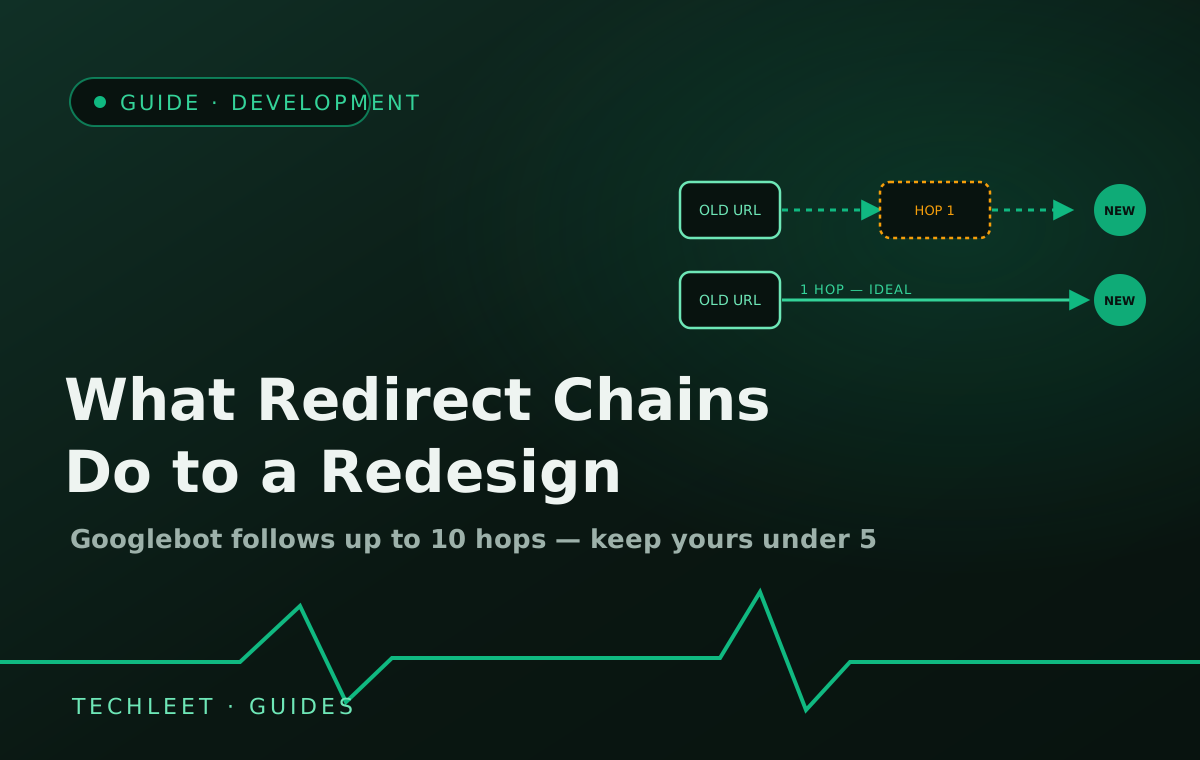
A redirect chain is what happens when an old URL has to bounce through two or three redirects before reaching its real destination, instead of landing there in one hop. Google's own crawling documentation puts a hard number on it: Googlebot will follow up to 10 hops in a chain, but the advice is to keep it to no more than 3, ideally under 5 — and the ideal is really just one, old URL straight to the new one. Most sites that lose ranking during a redesign never had their redirects removed; they just stacked up, one decision at a time, until nobody could say how many hops a visitor's link actually travelled.
How a chain forms without anyone deciding to build one
Nobody sits down and designs a three-hop redirect. It accumulates. A site moves from www to a bare domain, then six months later switches from http to https, then a year after that the whole thing gets rebuilt on a new URL structure — and each change adds its own redirect rule on top of whatever was already there, because removing the old rule felt riskier than leaving it. The old marketing page that used to live at /services/web-design now redirects to /services, which redirects to the non-www version, which redirects to https. Four years of individually reasonable decisions, and a link from 2022 now takes three extra round trips to land anywhere.
The redesign is usually when this gets noticed, not when it gets created — because a redesign is the one moment someone actually opens the old sitemap and starts mapping URLs, and that's when the chain becomes visible instead of invisible. It's also, per the same Google guidance, when a soft-404 problem shows up: sending a batch of old, unrelated pages to one generic destination (usually the homepage) because nobody mapped them individually. Google treats that as a sign the redirect doesn't actually answer the same question the old page did, and drops the signal instead of transferring it.
The one document that actually prevents it
Every redesign or domain move we've done starts the same unglamorous way: a spreadsheet, built before a single line of the new site is coded, mapping every URL that currently gets traffic or inbound links to exactly where it lands on the new site. Not "redirect the old blog to the new blog" as a folder-level rule — each individual URL gets its own row. The four columns that matter:
- Old URL — the exact path, copied from the live sitemap or analytics, not retyped from memory.
- New URL — the real final destination, not an intermediate page that will redirect again.
- Redirect type — a 301 (permanent) for anything that moved for good; a temporary 302 is the wrong tool for a finished redesign.
- Verified? — checked after launch with a direct request, not assumed from the deploy going smoothly.
Built this way, a chain can't form, because every old URL already points at its final address before the new site goes live — there's no intermediate hop left to accumulate one later. Google's migration guidance also recommends keeping these redirects live for at least a year, since that's roughly how long ranking signal takes to fully transfer; removing one early because "that page doesn't get traffic anymore" is a common way a finished migration quietly loses ground months after everyone stopped watching. On a redesign that also changes hosting providers, this same map is part of what our managed hosting plans check during the handoff, rather than leaving the old domain's fate to whatever the new host's dashboard defaults to.
None of this is exotic work — it's the same discipline as deciding whether a project is actually a redesign or just deferred maintenance: write down what exists before changing it, so nothing gets silently dropped in the move.
Frequently asked questions
How many redirects in a chain is too many?
Googlebot will follow up to 10 hops before giving up, but Google's own guidance is to keep a chain to no more than 3, and never more than 5. The real target is zero chaining at all — one redirect from the old URL straight to the final destination, not to an intermediate stop that redirects again.
Does a redirect chain actually hurt rankings, or just speed?
Both, and the speed cost is the easier one to see: every hop is a full round trip before the browser even starts loading the page. The ranking cost is less visible but just as real — a chain spends part of Google's crawl budget just following hops, and not all of a page's ranking signal is guaranteed to carry through every redirect in the chain, so the old page's standing erodes a little with each extra jump.
How long should an old URL keep redirecting to the new one?
At least a year, per Google's own migration guidance — that's roughly how long it takes for ranking signal to fully transfer from the old URL to the new one. Removing a redirect early, because the old URL "doesn't get traffic anymore," is one of the more common ways a migration quietly loses ground months after everyone stopped checking.
Can I just redirect every old page to the new homepage?
Not safely. Sending many unrelated old URLs to one destination that doesn't match their content is a textbook trigger for Google treating the redirect as a soft 404 — effectively ignoring it and dropping the old page's signal rather than transferring it. Every old URL needs a destination that actually answers the same question it used to.
Does this apply to a domain change as well as a redesign?
Yes, and a domain change is where chains show up most often by accident — one redirect moves the old domain to the new one, and a second, separate redirect (www to non-www, or http to https) was already sitting in front of it. Two redirects nobody planned together add up to the same chain as a deliberate one.