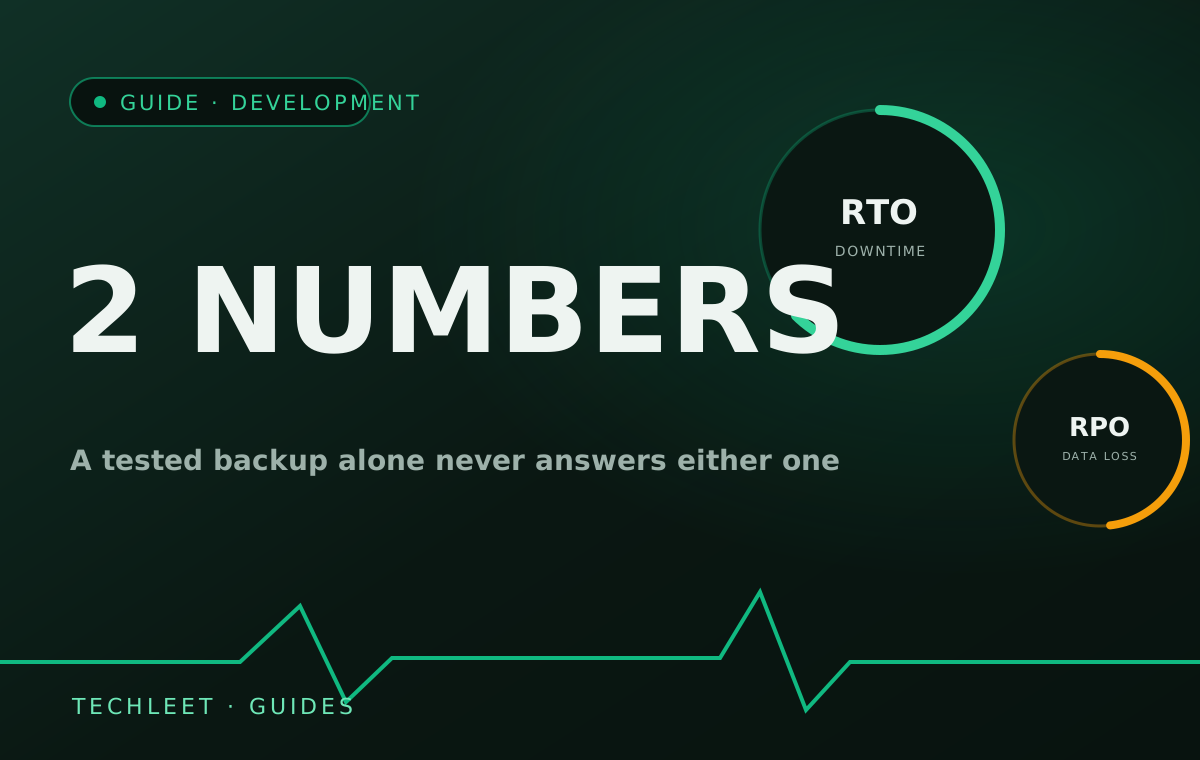
NIST's contingency-planning framework, SP 800-34, names two numbers a tested backup alone never answers. Recovery Time Objective (RTO) is the longest a site can stay down before the delay itself starts costing real money. Recovery Point Objective (RPO) is how much data a restore is allowed to lose, set by how recently the last backup was actually taken. Proving a backup restores correctly is necessary. It isn't either of those two numbers.
A tested backup proves the data exists, not that the site comes back fast
Our earlier guide on what a real website backup looks like covers the 3-2-1 rule and the discipline of actually testing a restore rather than trusting an untouched backup file. That's the right foundation, and most of the work worth doing on backups stops there. But "the restore works" and "the restore happens inside an acceptable window" are different claims. A restore that technically succeeds after six hours of hunting for the right archive, provisioning somewhere to put it, and repointing DNS has a real RTO of six hours — whether or not anyone ever wrote that number down or agreed it was acceptable.
RPO works the other way round: it isn't something you discover during a restore, it's set in advance by how often backups run. A nightly backup gives an RPO of up to 24 hours, which means a restore after a bad afternoon could lose that entire day's orders, bookings, or contact-form messages — not because anything went wrong with the backup, but because the backup schedule itself defines how much a business is willing to lose.
The number nobody sets is the one that gets discovered at the worst time
Most small business websites never have an actual conversation about either number. The backup runs on whatever cadence the hosting plan defaults to, and RTO only becomes visible the one day it matters, measured in a live incident instead of a calm test. That's backwards for the same reason a maintenance plan tracks a TLS certificate's countdown instead of waiting for a browser warning: the number is cheap to find out ahead of time and expensive to discover live. On a plan we run, timing a real restore — not just confirming a backup file opens — is part of what gets logged, the same way a change request gets scoped and tracked through the maintenance process rather than handled as a one-off favour. The same conversation applies to where that backup actually lives: a managed hosting plan that keeps backups on infrastructure separate from the live site is one less single point of failure between an outage and the number you were hoping to hit.
Setting RTO and RPO isn't a technical decision a hosting dashboard should make by default — it's a business one. An informational brochure site can often tolerate a full day of both. A site taking live orders, or one a client's own customers check daily, usually can't, and that gap is worth stating in writing rather than inheriting silently from whatever a backup tool happened to ship with.
Frequently asked questions
What is RTO (Recovery Time Objective)?
NIST's contingency-planning guidance (SP 800-34) defines RTO as the longest a system can stay in recovery before the delay itself causes real harm — for a website, the length of time between it going down and it being genuinely usable again, not just technically restored.
What is RPO (Recovery Point Objective)?
RPO is the point in time a restore has to reach back to, which sets the maximum amount of data loss that's acceptable. It's set by how often backups actually run: a nightly backup gives an RPO of up to 24 hours, meaning up to a full day of orders, form submissions, or edits could be gone after a restore.
If I already have tested backups, do I still need to think about RTO and RPO?
Yes — a tested backup answers a narrower question than either number does. Knowing a restore works proves the data survives; it doesn't say how long that restore takes under real conditions, or how much the gap between the last backup and the outage would actually cost in lost orders or messages.
How do I find out my site's real RTO without waiting for an actual outage?
Time a real restore to a fresh environment and write the number down, including every step: locating the right backup, provisioning somewhere to restore it, repointing DNS or hosting, and confirming the site actually works for a visitor. Most of that time has nothing to do with the backup file itself, which is exactly what a backup-only checklist misses.
Who decides acceptable RTO and RPO for a small business website?
The business, not the backup tool — an informational brochure site can usually tolerate a day of downtime and a day of data loss, while a site taking live orders cannot. Treat both numbers as a maintenance decision to set and review, not a technical default to inherit from whatever a hosting plan happens to configure.