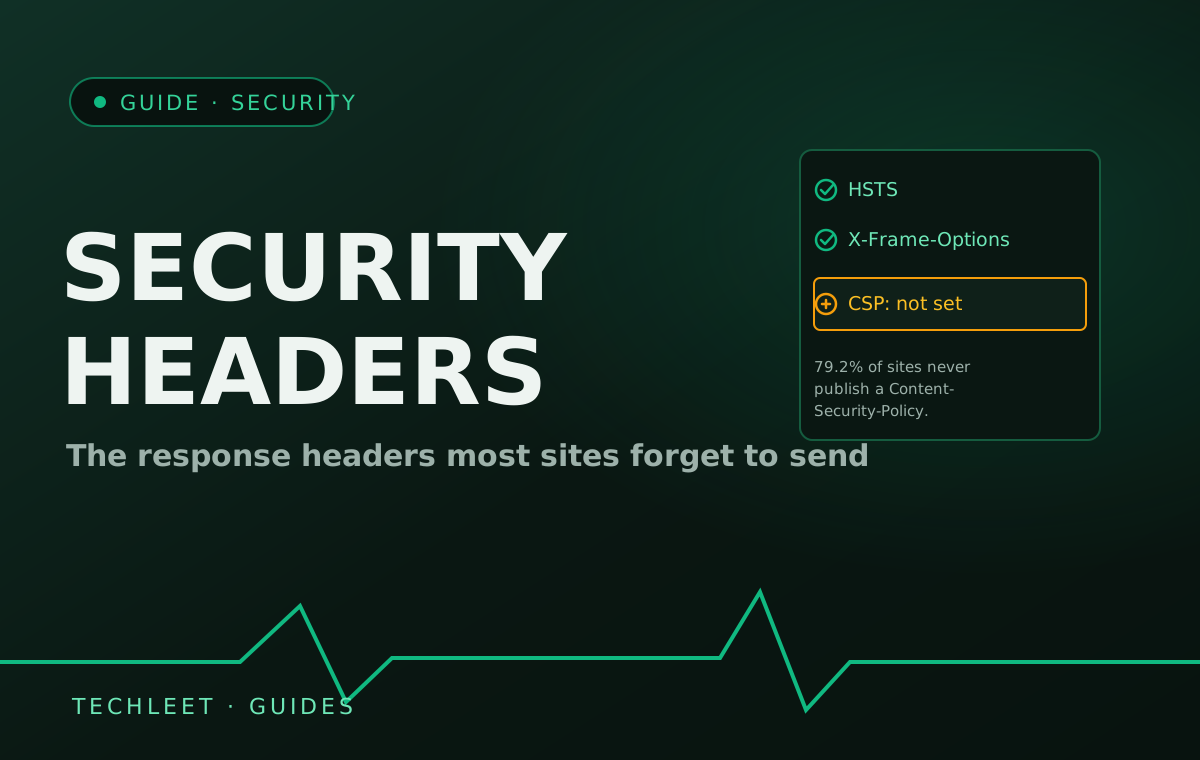
Security headers are a handful of extra lines a web server sends back with every page, telling the visitor's own browser to enforce protection the page's HTML can't enforce on its own — refuse any unencrypted connection, block a script from loading from an unapproved source, refuse to be displayed inside someone else's frame. A June 2026 crawl of the top 1 million websites by researcher Scott Helme found only 20.8% have a Content-Security-Policy header at all, and just 30.9% have HSTS — despite both costing nothing to add and taking minutes to configure once.
The gap isn't carelessness so much as nobody's job. These headers live in server or CDN configuration, not in the application code a developer spends most of a build writing, and nothing about a missing header produces a visible symptom — no error, no broken layout, no customer complaint. A certificate that expires stops a site from loading; a missing security header just quietly removes a layer of defence that was never going to announce its own absence.
What each header actually does
- HSTS (HTTP Strict Transport Security) — tells a browser to never attempt an unencrypted connection to the domain again, closing the brief window during a plain-HTTP request where a connection could be intercepted and silently downgraded before it reaches HTTPS.
- Content-Security-Policy (CSP) — a whitelist of exactly which sources a page is allowed to load scripts, styles, and other resources from. It's the strongest defence against cross-site scripting, the attack behind a huge share of website compromises, because it stops an injected script from running even if it got onto the page.
- X-Frame-Options / X-Content-Type-Options — the first stops a page being loaded inside an invisible frame on someone else's site (clickjacking, where a visitor thinks they're clicking one thing and are actually clicking yours); the second stops a browser guessing a file's type in a way that can be tricked into executing it.
Why a site that works perfectly can still be unprotected
None of this shows up in a normal visit, which is exactly why Scott Helme's numbers look the way they do: of the 819,002 responding sites in his crawl, only 40.0% send X-Frame-Options and just 20.8% send a CSP — and CSP's own quality is weaker than the headline number suggests, since nearly half of the sites that do set one still allow unsafe-inline, which undoes a large part of its protection. HSTS tells a similar story: 30.9% adoption, but only 21% of those deployments actually meet the stricter requirements (a one-year minimum age plus the includeSubDomains and preload directives) needed to get real protection against the downgrade attack HSTS exists to stop. Setting a header and setting it correctly are two different projects.
Checking where a site stands takes under a minute with any free header-scanning tool — look for Strict-Transport-Security, Content-Security-Policy, and X-Frame-Options in the response. If CSP is the one missing, that tracks with the wider pattern: it's the hardest of the three to configure correctly, since it has to list every legitimate script source a specific site actually uses, and the easiest to leave for "later" precisely because nothing visibly breaks while it's absent.
Frequently asked questions
If my site is missing these headers, will anything look broken?
No, which is exactly why the gap survives for years. A site with no Content-Security-Policy, no HSTS header, and no X-Frame-Options loads, renders, and functions identically to one that has all three. The headers only change what happens during an attack attempt — a malicious script injected through a form, a stripped-HTTPS downgrade, a page framed inside someone else's site. Nothing about day-to-day browsing shows they're missing.
Who's responsible for adding security headers — my developer or my host?
Usually whoever controls the web server or CDN configuration, which is often neither party by default. A developer focused on the application layer may never touch server-level response headers; a hosting provider or CDN sets sane defaults for some headers but rarely a site-specific Content-Security-Policy, since that has to list the exact scripts and resources a particular site actually loads. It falls in the same ownership gap our guide on keeping email off the hosting account describes for DNS — a setting that belongs to whoever configures the server, and is easy for that to be nobody in particular.
Doesn't having an SSL certificate already cover this?
An SSL/TLS certificate only encrypts the connection between a browser and the server — it doesn't force every visit to use that encrypted connection, and it says nothing about where scripts are allowed to load from or whether the page can be embedded elsewhere. HSTS is the header that closes the first gap, telling browsers to never attempt an unencrypted connection to the domain again. A certificate and HSTS solve related but different problems; a site can have a valid certificate for years and still never send the header that makes it enforceable.
How is this different from the secure website checklist guide?
That guide splits website security into what a developer builds in once (HTTPS, safe input handling, hashed passwords) and what keeps expiring on its own (certificates, plugin versions, access reviews) — see our secure website checklist. Security headers sit inside the first bucket: a one-time server configuration, not a renewal. This guide goes one level deeper into that specific item, because it's the one most likely to have never been set at all rather than simply forgotten later.
Can turning on a Content-Security-Policy break my own site?
Yes, if it's not configured to match what the site actually loads — a CSP that's too strict can silently block a legitimate third-party script (a payment widget, an analytics tag, a font service) the same way it blocks a malicious one, since the browser can't tell them apart from the policy's rules alone. That's why a CSP should be built by testing in report-only mode first, which logs what would have been blocked without actually blocking it, rather than switching straight to enforcement and finding out what broke from a support ticket.