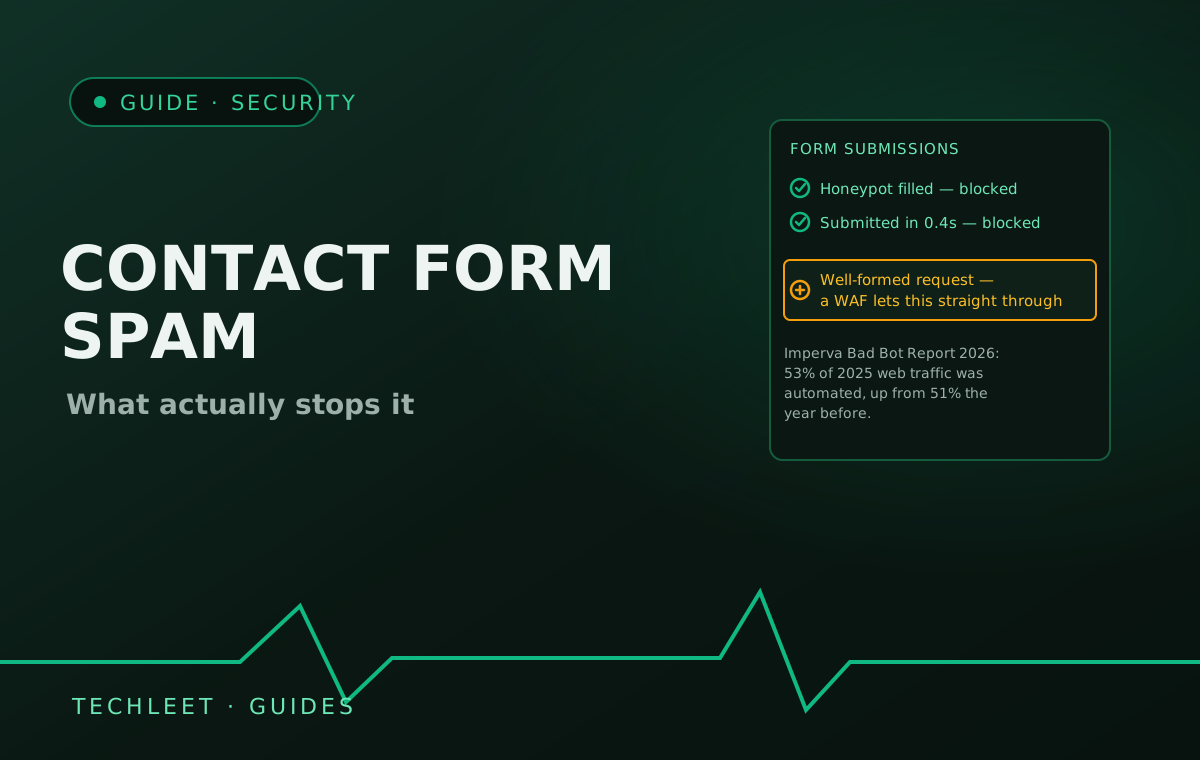
More than half of all web traffic is now automated: Imperva's 2026 Bad Bot Report puts bot traffic at over 53% of the global total in 2025, up from 51% the year before. A public contact form is one of the easiest things on a website for that traffic to reach, because a bot doesn't need to understand what the form is for — it only needs to find the fields and submit them. A web application firewall won't catch it either, for the same reason our WAF guide flags as its main blind spot: a filled-in, submitted form is a completely well-formed request, with nothing in its structure that looks like an attack.
Why the obvious fix isn't the first one to reach for
The default instinct is to bolt on a CAPTCHA and move on, but that's usually the most expensive fix for the most common problem. A classic click-the-images challenge interrupts every visitor, real or not. reCAPTCHA v3 is lighter — it runs invisibly and scores each session from 0.0 ("very likely a bot") to 1.0 ("very likely a good interaction"), with Google's own documentation suggesting a default threshold of 0.5 as a starting point to tune from. But it's still a third-party script that has to load and execute on every page it's added to, which is a real line item against the same loading metrics covered in our Core Web Vitals guide, not a free safety net.
What actually stops most of it, for free
Two layers, used together, catch the bulk of unsophisticated bot traffic without adding a script or a user-facing step at all. A honeypot field — an extra input hidden from sighted visitors with CSS, named something ordinary like "company" or "website" — looks like a normal field to anything parsing the page's raw HTML rather than rendering it, so a bot filling in every field it finds ends up filling that one too; a real visitor never sees it and leaves it blank. Pairing it with a timing check closes the gap further: a human reading and completing a real enquiry takes several seconds at minimum, so a submission logged within a second or two of the page loading is a reliable tell on its own, honeypot or not. Server-side validation on the submission endpoint — rejecting malformed email formats, capping submission rate per IP — is the third layer, and it's the one most templates skip because it has to be written into the backend rather than dropped in as a widget.
Where this leaves CAPTCHA: worth adding once those three free layers are in place and spam is still getting through, or on a form where the cost of a single bad submission is higher than a contact enquiry — a signup, a quote request, a checkout. It's a layer to reach for when the free ones aren't holding, not the default first move.
Frequently asked questions
What is a honeypot field, and how does it stop bots?
A honeypot is an extra form field hidden from human visitors with CSS, usually named something ordinary like "website" or "company" so it looks worth filling in to anything scanning the page's HTML rather than rendering it. A real visitor never sees it and leaves it blank; a bot filling in every field it finds submits a value, and the server simply rejects any submission where that field isn't empty. It costs nothing, needs no third-party script, and adds zero friction for a real visitor.
Will adding CAPTCHA slow down my website?
It adds a third-party script that has to load and run, which is a real cost on exactly the metrics covered in our Core Web Vitals guide, not just a vague slowdown. reCAPTCHA v3 runs invisibly rather than asking a visitor to click a checkbox, scoring each session from 0.0 (very likely a bot) to 1.0 (very likely human), with Google's own documentation suggesting a starting threshold of 0.5. It's lighter than the old click-the-images challenge, but it's still a script worth measuring, not a free add.
Can a web application firewall stop contact form spam?
Not reliably. As our WAF guide explains, a WAF matches incoming requests against known attack patterns — SQL injection, cross-site scripting, exploit signatures — and a filled-in contact form is none of those things; it's a well-formed, technically valid request even when a bot submitted it. This is exactly the business-logic blind spot a WAF can't see into: nothing about the request's structure looks malicious, so it passes straight through.
How do I tell if my form spam is actually bots and not just bad leads?
Check submission timing and content pattern, not just volume. A human reading and filling in a real form takes several seconds at minimum; a submission logged within a second or two of the page loading is a strong bot signal almost every time. Genuinely nonsensical messages, foreign-language pitches unrelated to the business, or identical message text repeated across many submissions are the other tell — a bad lead is still a specific, if unqualified, human inquiry.
Is reCAPTCHA worth it for a small business website?
Depends what's already in place and how much spam is actually getting through. A honeypot field plus a timing check stops most unsophisticated bots for free and with no script weight, which covers a typical low-traffic marketing site's contact form. reCAPTCHA earns its performance cost on a higher-value or higher-volume form — a signup, a quote request, a checkout — where the two free layers alone aren't holding, or where a login page needs a stricter threshold than a general enquiry form.