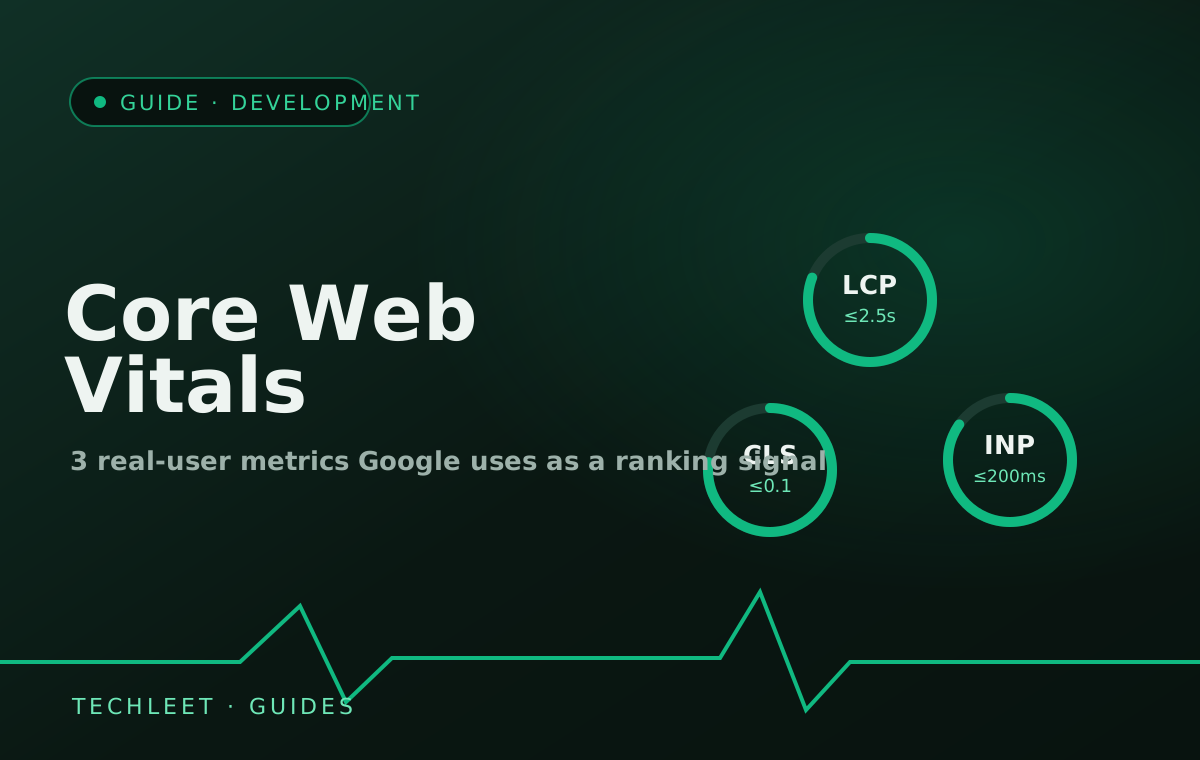
Core Web Vitals are the three measurements Google uses to judge how a page actually feels to use, not just whether it works: Largest Contentful Paint (LCP) should happen within 2.5 seconds, Interaction to Next Paint (INP) should respond within 200 milliseconds, and Cumulative Layout Shift (CLS) should stay at 0.1 or below. Google measures all three from real visitor traffic at the 75th percentile — meaning three out of four actual page loads need to hit the target, not just a clean test run — and uses the result as a ranking signal.
None of our other guides have covered this yet, which is a gap for a cluster built around ongoing website maintenance — a site can pass every security and backup check on that guide's list and still be quietly getting slower every month as plugins, embeds, and tracking scripts pile up.
The three metrics, in plain terms
Largest Contentful Paint (LCP) measures how long it takes the biggest visible element — usually a hero image or heading — to finish loading. Good is 2.5 seconds or less. This is the metric most people mean when they say a site "feels slow to load."
Interaction to Next Paint (INP) measures how long the page takes to visibly respond after someone clicks, taps, or types. Good is 200 milliseconds or less. INP formally replaced an older metric, First Input Delay (FID), as the official Core Web Vital on 12 March 2024, because FID only timed the delay before the browser started handling the very first interaction — INP tracks every interaction across the whole visit, which is a far more honest measure of whether a site stays responsive once someone is actually using it.
Cumulative Layout Shift (CLS) measures how much content jumps around while a page loads — the moment a "Continue" button shifts down just as a visitor is about to tap it, usually because an ad, embed, or web font loaded late and pushed everything below it. Good is a score of 0.1 or lower.
Why this is more than an SEO detail
Since Google's 2021 page experience update, Core Web Vitals sit alongside mobile-friendliness and safe browsing as part of how Google evaluates a page — and since Google now reads every site's mobile render as the primary version, the Core Web Vitals score that actually counts is the one measured on a phone, not a desktop test. It's one signal among many, not the decisive one — strong, relevant content on a slightly slower page will still usually beat thin content on a fast one — but between two otherwise similar pages, Google has said page experience can tip the result. The more direct impact is simpler: a visitor who taps a menu and waits, or watches the page jump right as they're about to tap something, doesn't file a ranking complaint — they just leave, which is the outcome Core Web Vitals are trying to measure in the first place.
What usually causes poor scores on a small business site
In our experience it's rarely the site's own code — it's what got added on top of it after launch. Unoptimised, full-resolution images uploaded straight from a phone are the most common LCP problem. Third-party embeds — chat widgets, booking calendars, review carousels, ad scripts — are the most common cause of both slow INP (they compete for the browser's attention on every interaction) and layout shift (they often load a beat after the surrounding content and shove it aside). A site that scored well at launch can quietly slide into "Needs Improvement" a year later purely from accumulated plugins and widgets, with no single change anyone would flag as the cause.
Why this belongs in a maintenance plan, not a launch checklist
Core Web Vitals scores drift, the same way security patches and certificate expiries do — the difference is that nothing visibly breaks when a score slips, so it's the easiest thing to stop checking once a site has launched. A maintenance plan that only ever looks at uptime and security misses this entirely. Checking the Core Web Vitals report in Search Console during a regular maintenance pass — the same recurring discipline covered in our guide on how often a website should actually be updated — catches a new widget or a batch of unoptimised images before they cost real visitors, rather than discovering it months later in an unrelated traffic drop. The same drift applies to a site's structured data, except the thing that changes there isn't your code at all — it's a decision Google makes about how it uses markup that hasn't changed.
Frequently asked questions
What are Core Web Vitals?
Three measurements Google uses to judge how a page actually feels to use: Largest Contentful Paint (how fast the main content loads, good is 2.5 seconds or less), Interaction to Next Paint (how fast the page responds to a click or tap, good is 200 milliseconds or less), and Cumulative Layout Shift (how much the page visually jumps around while loading, good is a score of 0.1 or less). Google measures all three at the 75th percentile of real visitor loads, not a single test run.
Are Core Web Vitals a Google ranking factor?
Yes, as part of Google's page experience signals, alongside mobile-friendliness and safe browsing. It's one input among many rather than the deciding one — a slow page with excellent content can still outrank a fast page with thin content — but among pages that are otherwise similar, Google has said page experience can be the difference.
What happened to First Input Delay (FID)?
FID was retired and replaced by Interaction to Next Paint (INP) as the official interactivity Core Web Vital on 12 March 2024. FID only measured the delay before a browser started responding to the first interaction; INP measures the full response time, for every interaction on the page, which is a more complete picture of whether a site actually feels responsive.
How do I check my site's Core Web Vitals?
Google Search Console has a free Core Web Vitals report under Experience, built from real visitor data (the Chrome User Experience Report) rather than a lab test — it groups a site's pages into Good, Needs Improvement, or Poor for each metric. PageSpeed Insights gives the same real-world data for a single URL plus a lab-based diagnostic of what's slowing it down.
Do Core Web Vitals matter for a business app, not just a website?
The three metrics themselves are a web-page measurement, so they apply directly to a web app opened in a browser. A native or Flutter app doesn't get a Core Web Vitals score, but the same underlying concerns — how fast the first screen appears, how quickly a tap responds, whether the layout jumps while loading — are exactly what a slow native app also gets criticised for, just measured with different tools (frame-render time, app-start time) instead of Google's specific thresholds.