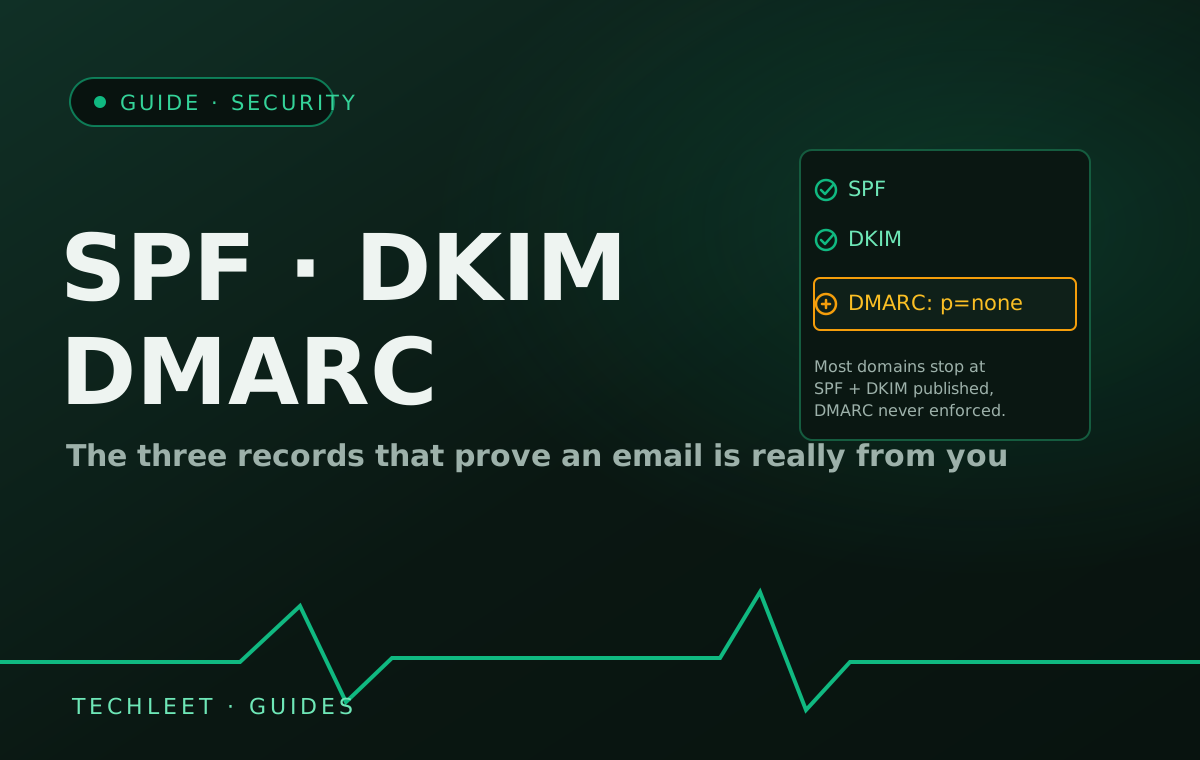
A business email lands in spam, or gets convincingly spoofed for a phishing attempt, for the same underlying reason: nothing in the domain's DNS proves the message actually came from that domain's real mail server. Three records fix this — SPF, DKIM, and DMARC — and since February 2024, Google and Yahoo have required any domain sending more than 5,000 messages a day to have all three in place, rejecting or routing to spam whatever fails the check. Most small businesses have never touched any of them, because a mail provider works fine without them right up until the day something exploits the gap.
None of this is new technology. SPF has existed for over twenty years, DKIM close behind — the records simply live in DNS, a place a web developer configures once during a build and rarely revisits, and a mail provider hands you the exact values to publish without walking a non-technical owner through why they matter. The result is a domain that sends mail successfully for years with the weakest possible protection quietly switched off.
What each record actually checks
- SPF (Sender Policy Framework) — a DNS entry listing which mail servers are allowed to send email claiming to be from your domain. A receiving server checks the sending IP against this list.
- DKIM (DomainKeys Identified Mail) — every outgoing message carries a cryptographic signature, verified against a public key published in your DNS, proving the message wasn't altered in transit and really left your server.
- DMARC (Domain-based Message Authentication, Reporting and Conformance) — the policy layer. It tells a receiving server what to do when SPF or DKIM fails — do nothing, quarantine, or reject — and sends you reports on who's sending mail as your domain.
SPF and DKIM are checks; DMARC is what makes the checks matter. A domain can publish SPF and DKIM correctly and still be wide open to spoofing if DMARC is missing or set to its weakest policy, because nothing is telling a receiving server to actually act on a failed check.
The two symptoms trace back to the same gap
Deliverability is the symptom a business notices first: newsletters, invoices, or notification emails start landing in spam, usually after a mail provider tightens its filters — which is exactly what the 2024 Google and Yahoo mandate did industry-wide. Spoofing is the symptom nobody notices until it costs money: without an enforced DMARC policy, anyone can send an email that appears to come from billing@yourdomain.com, no technical skill required beyond setting the "from" field, and ask a real customer or supplier to change a bank account or click a fake invoice. The email passes every visual check a recipient would make — it's the underlying record, not the message, that was missing.
Checking where you stand takes a few minutes with any free DNS lookup tool: search your domain's TXT records for one starting v=spf1, a DKIM selector record from your mail provider, and a record at _dmarc.yourdomain.com. If the last one doesn't exist at all, that's the gap worth closing first — it's the one record most domains skip entirely, not because it's hard to add, but because nothing ever prompted anyone to.
Frequently asked questions
My email works fine today — do I actually need to check this?
Working fine and being protected are two different things. SPF and DKIM mostly affect whether your own mail lands in spam, so a working inbox means those are probably in reasonable shape. DMARC is different — most domains publish it, if at all, at its weakest setting (p=none), which asks receiving servers to only report failures, not block them. That means someone can still send a convincing phishing email that appears to come from your domain, and your own working inbox gives no sign of it.
Who sets these records up — my web developer, or my email provider?
Neither by default, which is exactly how this gets missed. SPF, DKIM, and DMARC all live in your domain's DNS, so whoever controls that DNS has to add them — the mail provider gives you the exact values to publish, but doesn't add them for you, and a web developer focused on the site has no reason to touch DNS mail records at all. It falls in the same gap our guide on keeping email off your hosting account describes: DNS ownership is the thing that actually needs a clear owner.
Does having SPF and DKIM published mean we're protected from spoofing?
Not on their own. SPF and DKIM let a receiving server check whether a message is authentic, but nothing forces it to act on a failure unless DMARC tells it to. Without a DMARC policy set to quarantine or reject, a spoofed email that fails every check can still land in the recipient's inbox exactly like a real one — the checks exist, they're just not being enforced.
What happens if I set DMARC to reject and get it wrong?
Your own legitimate mail can start bouncing — a newsletter tool or invoicing system sending on your behalf without being included in your SPF record will fail the same check a phisher would. That's why the standard path is to publish DMARC at p=none first, read the aggregate reports it generates for a few weeks to see what's actually sending as your domain, fix anything legitimate that's missing from SPF, and only then move the policy to quarantine and eventually reject.
How is this different from the guide on keeping email off the hosting account?
That guide is about who controls the account your inbox depends on — the custody problem. This one is about whether a receiving mail server can trust that a message claiming to be from your domain actually is, regardless of who hosts the mailbox. A business can have email fully decoupled from hosting and still have no SPF, DKIM, or enforced DMARC at all — they're separate, complementary checks.